A Modern Microsoft MapPoint Alternative
Microsoft MapPoint helped businesses turn address lists into desktop maps, plan routes, and visualize sales or service locations. Microsoft discontinued the product in 2014 and ended support in 2015, so it no longer receives security updates, current map data, or compatibility fixes.
If you still have a MapPoint workflow—or a spreadsheet that once fed one—the practical replacement is not another boxed desktop application. Mapize lets you create an interactive map in your browser from the data you already maintain.
MapPoint vs. Mapize
| Capability | Microsoft MapPoint | Mapize |
|---|---|---|
| Availability | Discontinued desktop software | Current browser-based application |
| Getting data in | Desktop imports from files and databases | Paste spreadsheet data or upload CSV and Excel files |
| Location mapping | Addresses and geographic data | Addresses, ZIP codes, and latitude/longitude coordinates |
| Sharing | Static files, exports, and printed maps | Interactive links, website embeds, and exports |
| Installation | Windows installation required | No installation required |
| Updates | No longer supported | Maps and product improvements are delivered online |
| Route and territory planning | Included desktop planning tools | Not a full replacement for advanced routing or automated territory optimization |
What MapPoint users usually need today
Turn a spreadsheet into a map
Upload a CSV or Excel file, or paste rows directly from a spreadsheet. Mapize identifies location columns and plots the records on an interactive map. You can map full addresses, ZIP codes, or coordinates without writing code. See the guides to making a map from Excel and creating a map from ZIP codes.
Style locations so patterns are visible
Change marker colors, group nearby points into clusters, filter the displayed records, and choose a basemap that fits the presentation. These controls are designed for common business mapping tasks such as showing customers, stores, projects, deliveries, or service locations.
Share the result without sending a desktop file
Publish a map and send a link so other people can explore it in a browser. You can also place the interactive map on a website with an embed. Learn more about sharing maps and embedding a map on your website.
Where Mapize is a strong replacement
- Customer and account maps: plot a spreadsheet of customers, prospects, or members.
- Store and service locations: publish an interactive location map for visitors.
- Operations visibility: map jobs, assets, deliveries, incidents, or projects from tabular data.
- Presentation and reporting: style a map, share it by link, or export it for a report.
- Website maps: embed a live, interactive map instead of sending a static desktop file.
Where you may need a specialized tool
Mapize is focused on quickly turning location data into clear, shareable maps. It does not currently replace MapPoint’s advanced route optimization or provide automated sales-territory design. If those are the center of your workflow, evaluate a dedicated routing or territory-management product alongside Mapize. If your main task is plotting, styling, filtering, sharing, or embedding spreadsheet locations, Mapize is the more direct replacement.
How to move from MapPoint to Mapize
- Export the records you used with MapPoint to CSV or Excel.
- Keep one column for each address component, or include latitude and longitude columns.
- Upload the file to Mapize and confirm the detected location columns.
- Fix or exclude any rows that cannot be located.
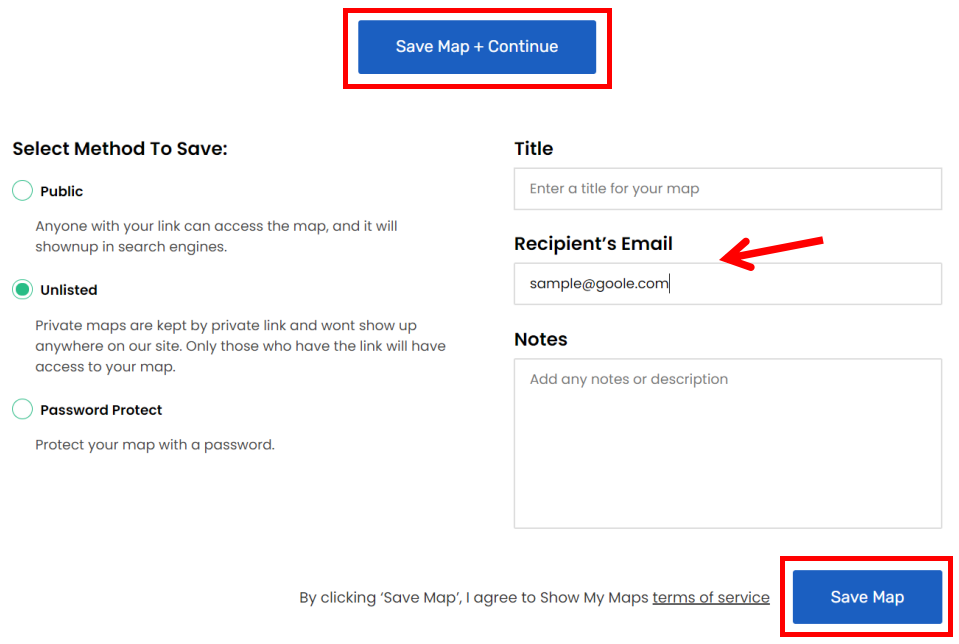
- Style the finished map, then save, share, or embed it.
You do not need to convert an old MapPoint map file directly. Start with the underlying spreadsheet or database export; that preserves the business data while moving the map into a supported, browser-based workflow.